
Link My Gear · Airguard
Recover your canopy.
Record your jump.
Stay connected after landing.
Airguard is a compact tracking and telemetry device for skydivers that attaches to your main canopy, records jump data, supports post-jump review, and helps locate your gear after landing or cutaway.
Airguard supports recovery, telemetry, and configurable alerts. It is not an emergency service, rescue service, life-saving device, or guaranteed safety device. Transmission and alerts depend on battery level, device condition, correct configuration, cellular coverage, backend availability, and recipient availability. Read trust & limitations
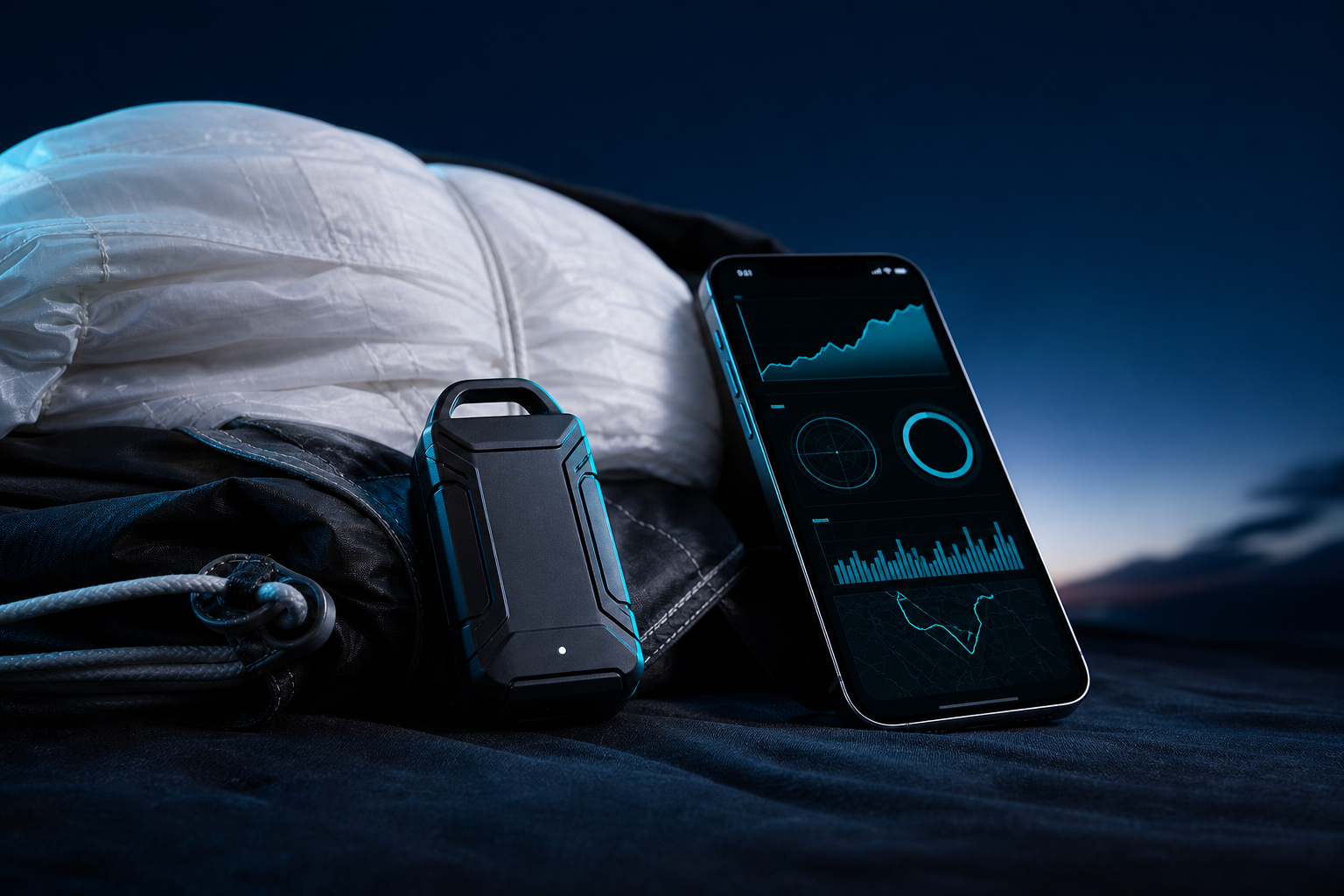
Why skydivers care
Skydiving gear decisions deserve clarity — honest limits, practical recovery support, and logging you can trust.
Gear recovery is stressful
Separation events are high-pressure; recovering gear depends on many factors outside any device.
Logs should be trustworthy
Jump logs deserve accurate, convenient telemetry — without overstating what technology can promise.
Awareness on your terms
Configurable alerts can inform people you choose — they are not emergency dispatch or guaranteed lifelines.
One system. Three responsibilities.
Recovery orientation, telemetry for your logbook, and alerts you configure — without overstating what technology can do.
Recover gear when circumstances allow
Orient toward locating your main canopy after landing or cutaway. Outcomes depend on signal, battery, attachment, and environment — see Trust & limitations.
Telemetry for your logbook
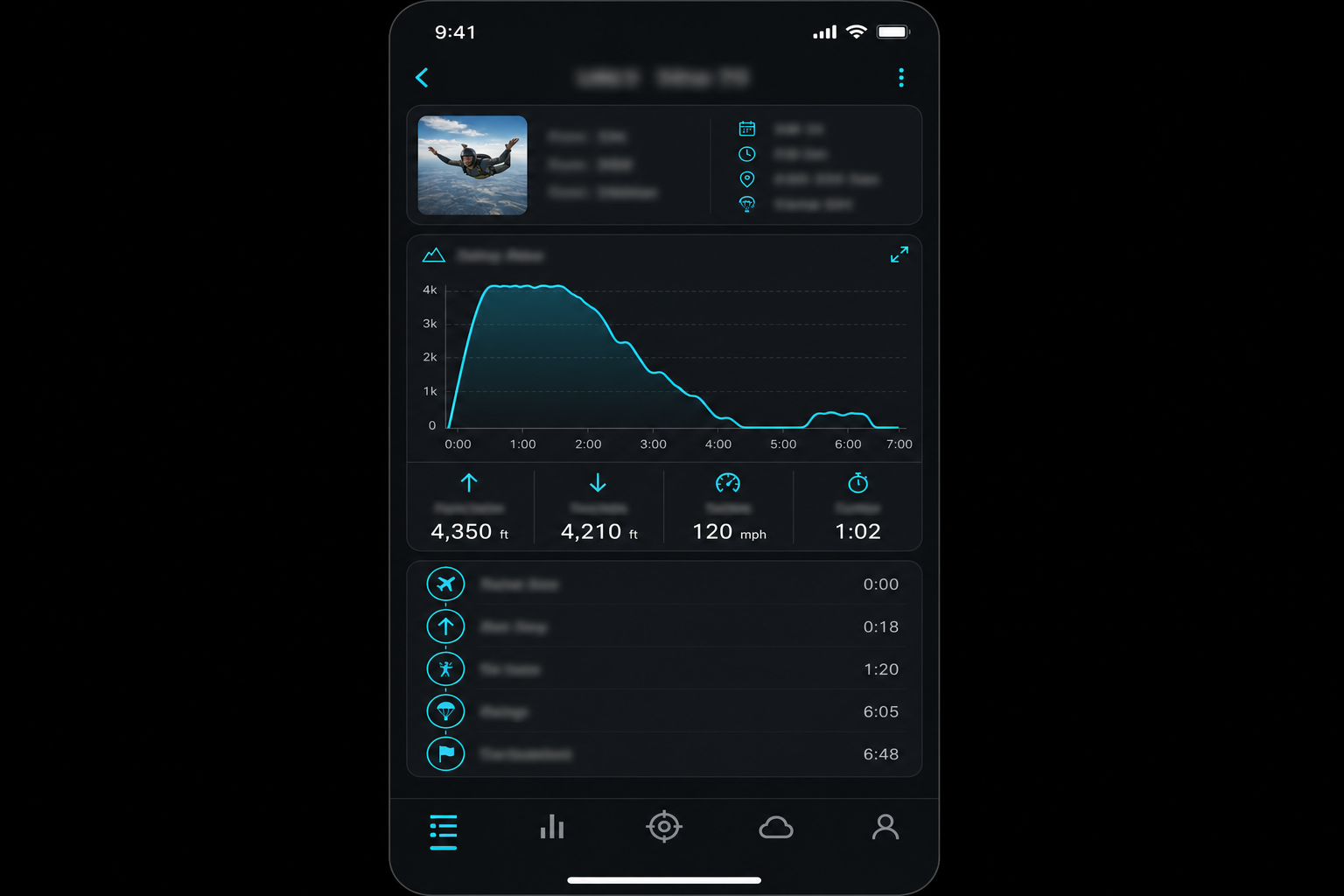
Capture jump-related data for post-jump review and history inside the Link My Gear app.
Alerts you configure
Set up alert signals and recipients in the app. Delivery is not guaranteed and depends on networks, backends, and configuration.
How it works
From canopy to app — a straightforward flow without promising proprietary internals.
- 1
Attach and pair
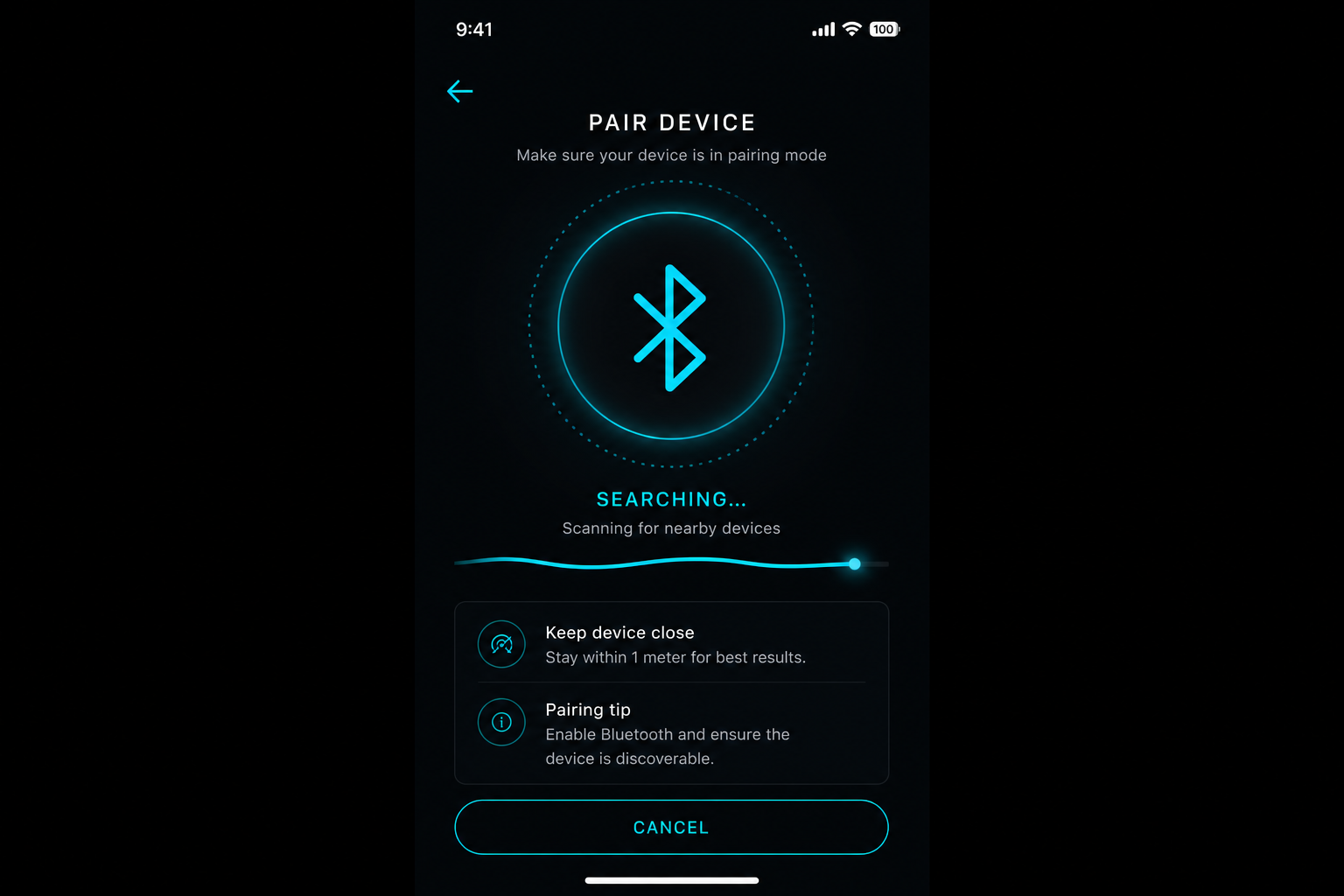
Airguard attaches to your main canopy and pairs with the Link My Gear app for setup and updates.
- 2
Jump
During your jump the device captures telemetry and events according to product capabilities.
- 3
Review
After landing, review data in the app, refine logbook entries, and configure alerts that fit your workflow.
Recovery starts when it matters
After separation, Airguard stays oriented toward helping you locate your main canopy when circumstances allow.
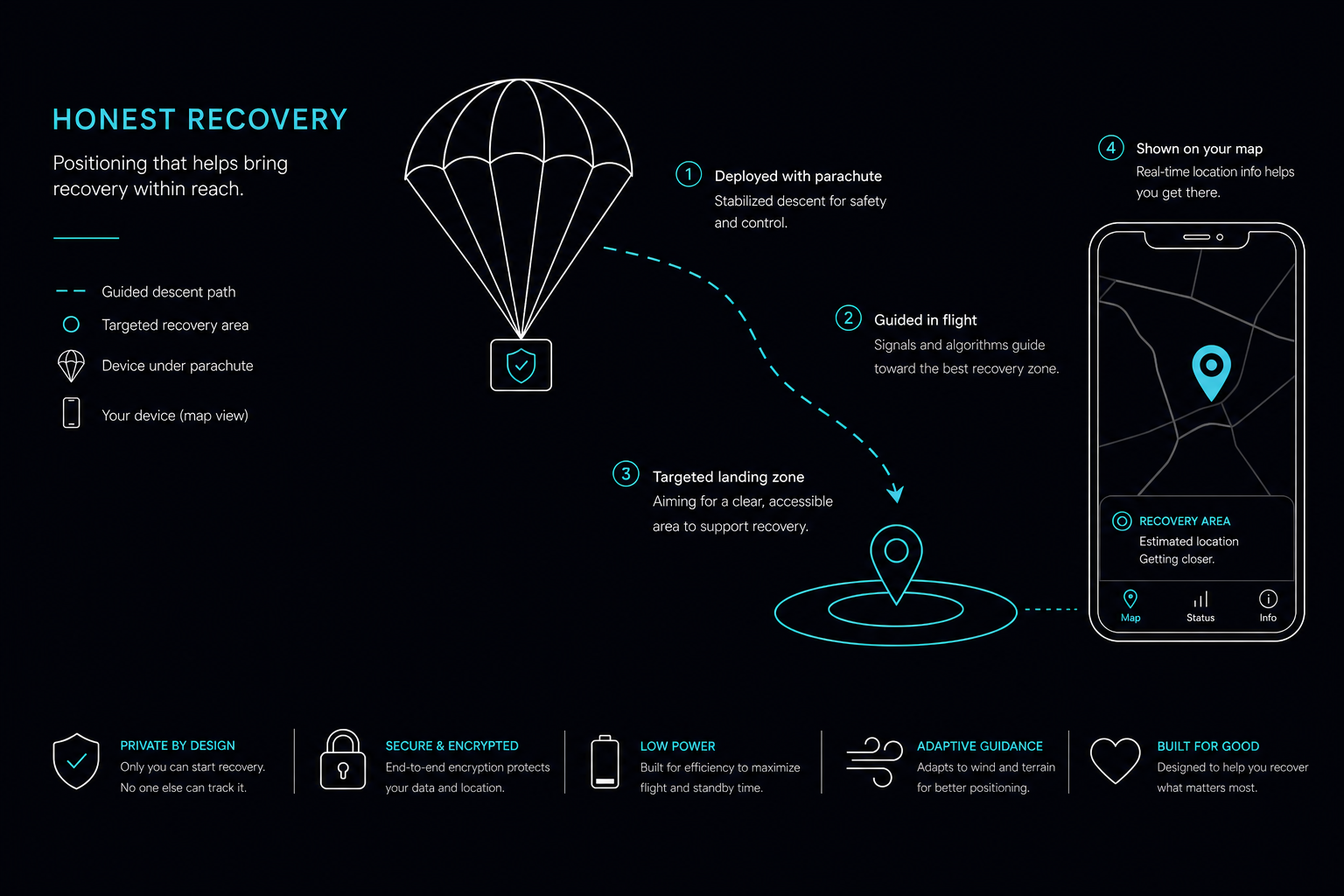
Staying with the canopy
Designed to remain with your main through cutaway scenarios described in product documentation.
Location when available
Transmission depends on cellular coverage, battery, attachment, and environmental factors — not guaranteed.
Guidance in the app
Use the Link My Gear app to interpret data and support recovery workflows you define with your team.
Honest limits
Not search-and-rescue, not emergency dispatch, and not a promise that gear will always be found.
Jump data you can use
High-resolution telemetry supports post-jump review and logbook workflows inside the Link My Gear app. Exact metrics and sampling depend on product configuration and conditions.
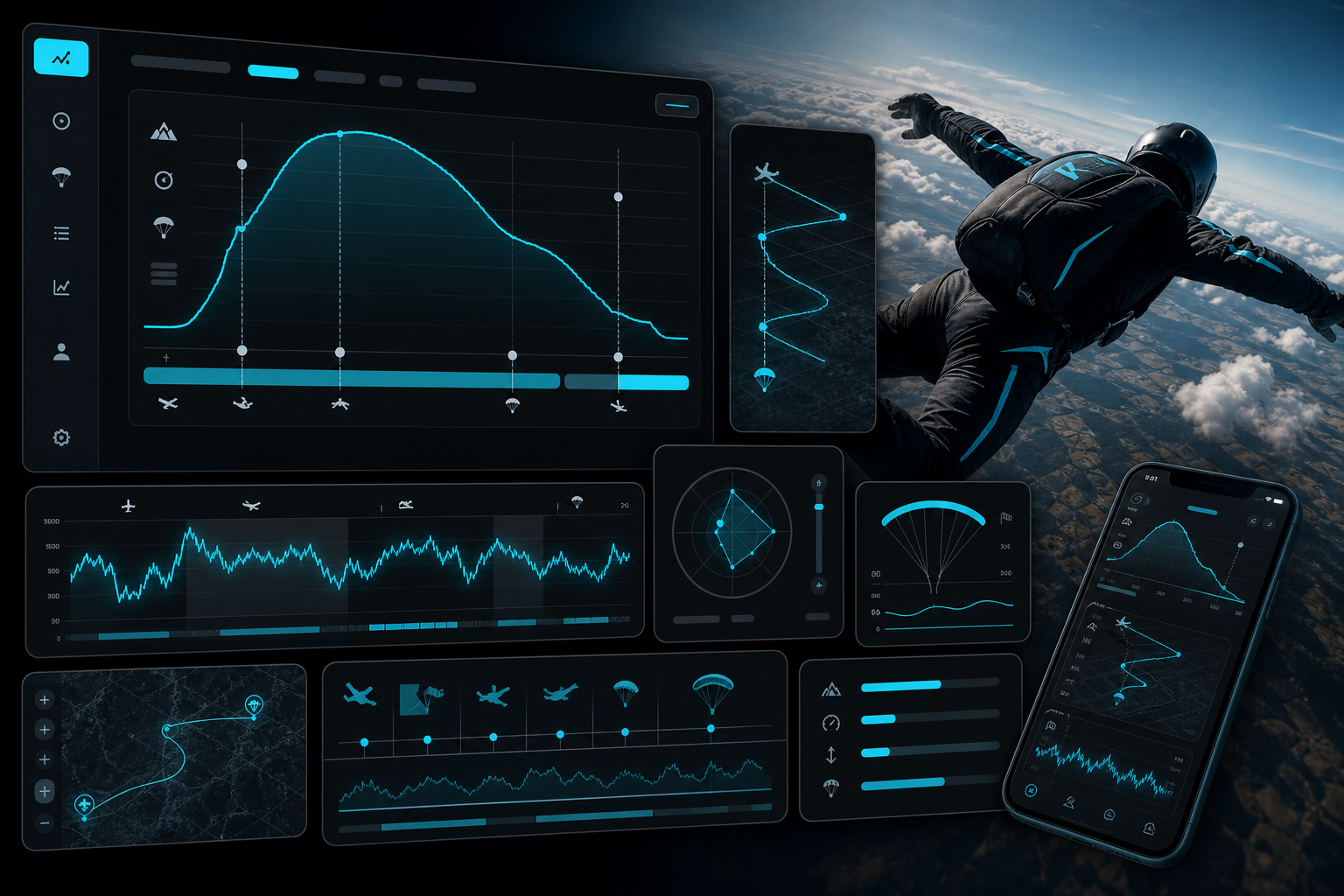
Automatic logging
Reduce manual entry with jump recordings aligned to your gear’s capabilities.
Review after landing
Inspect timelines and details when you are safely on the ground — data quality depends on sensors and environment.
Alerts on your terms
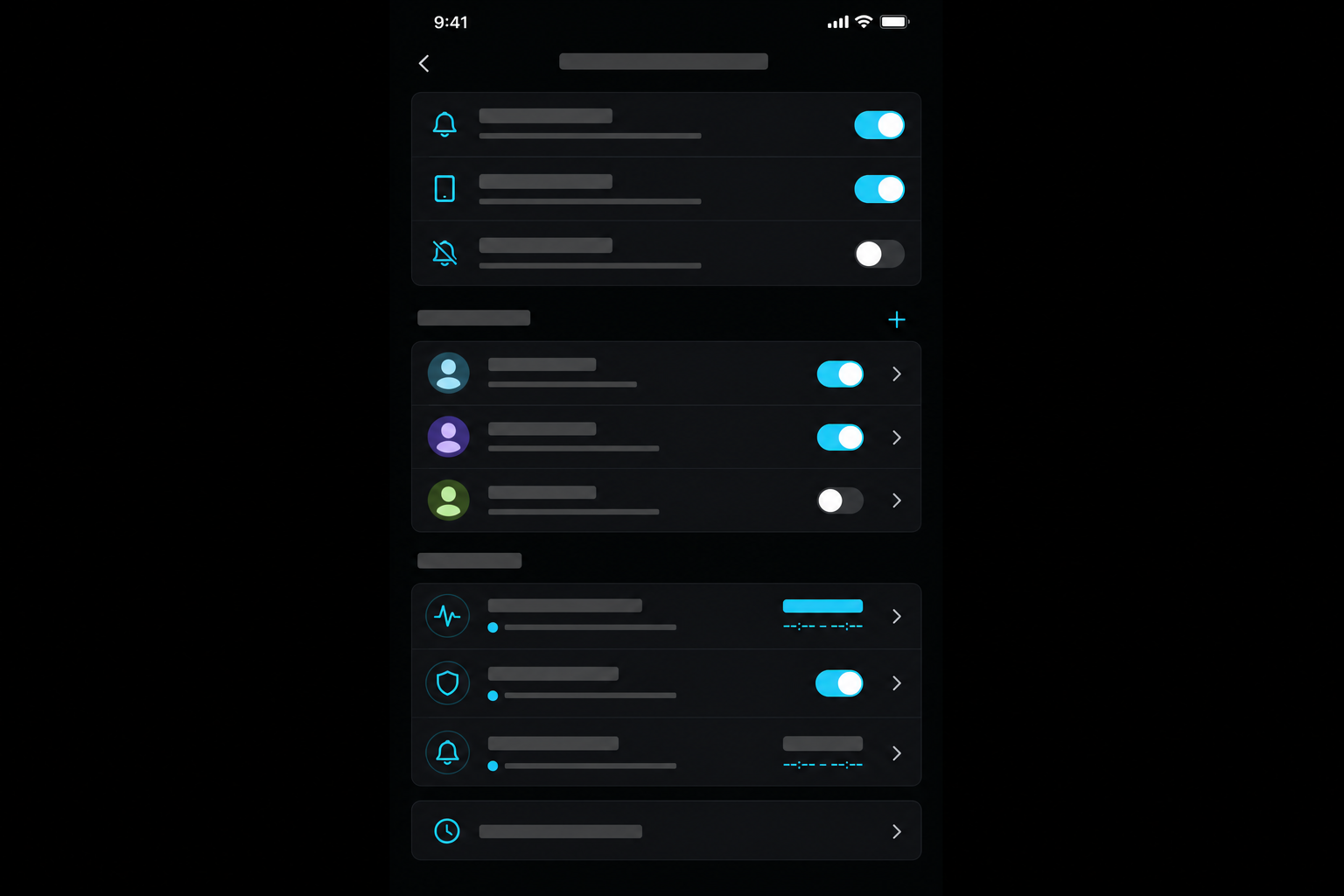
Configure who receives signals and under what conditions — in the app. Alerts are not guaranteed to deliver and are not a substitute for emergency services.
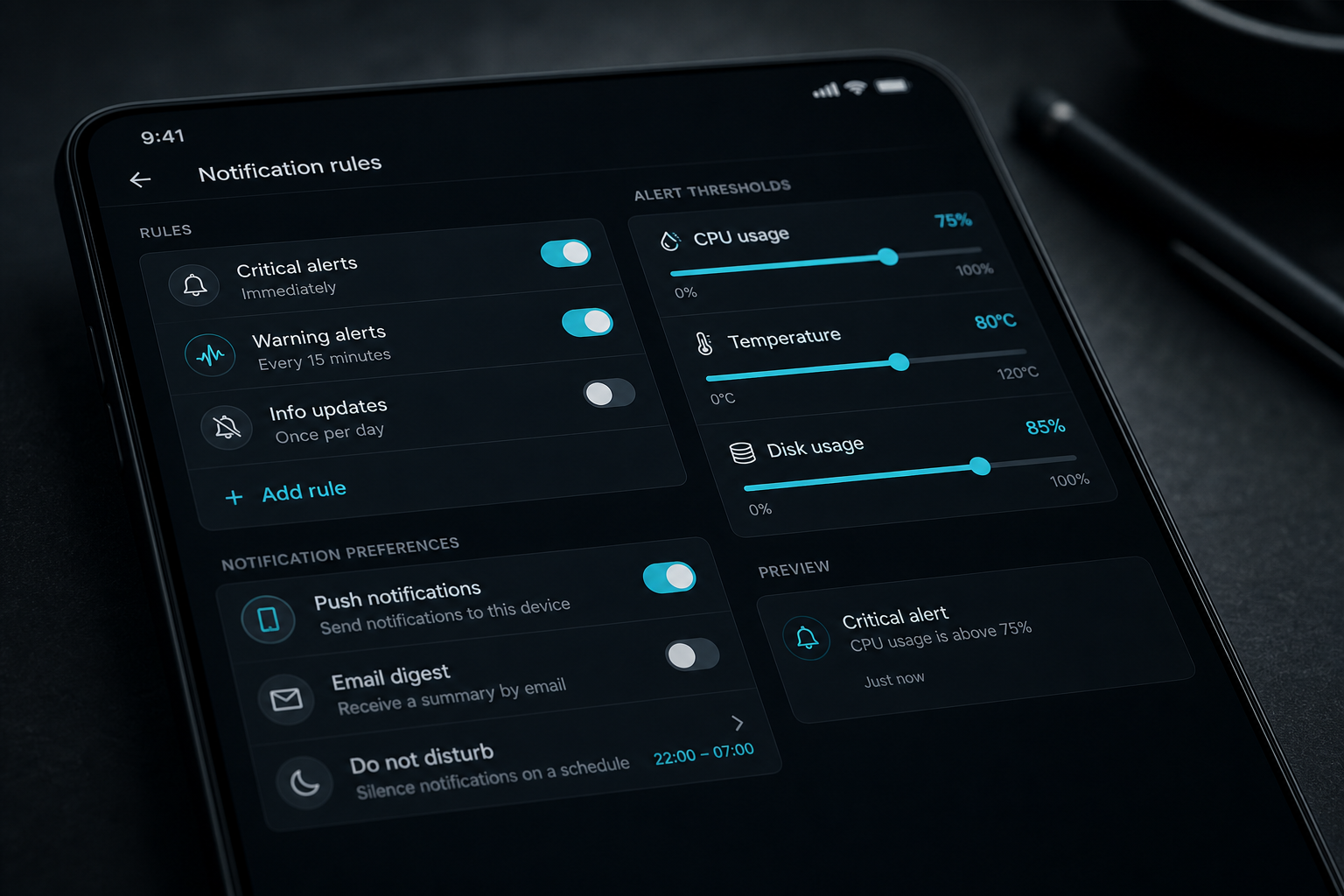
- Manual actions where supported by firmware and app.
- Automatic triggers based on product-defined logic — validate with official specs.
- Recipients and policies are yours to configure responsibly.
The Link My Gear app
Pair Airguard, review telemetry, tune alerts, and manage contacts — all from your phone when connectivity allows.
Device overview
Designed for reliability and durability in the skies, the Airguard packs advanced tracking and telemetry hardware into a compact, lightweight form factor.
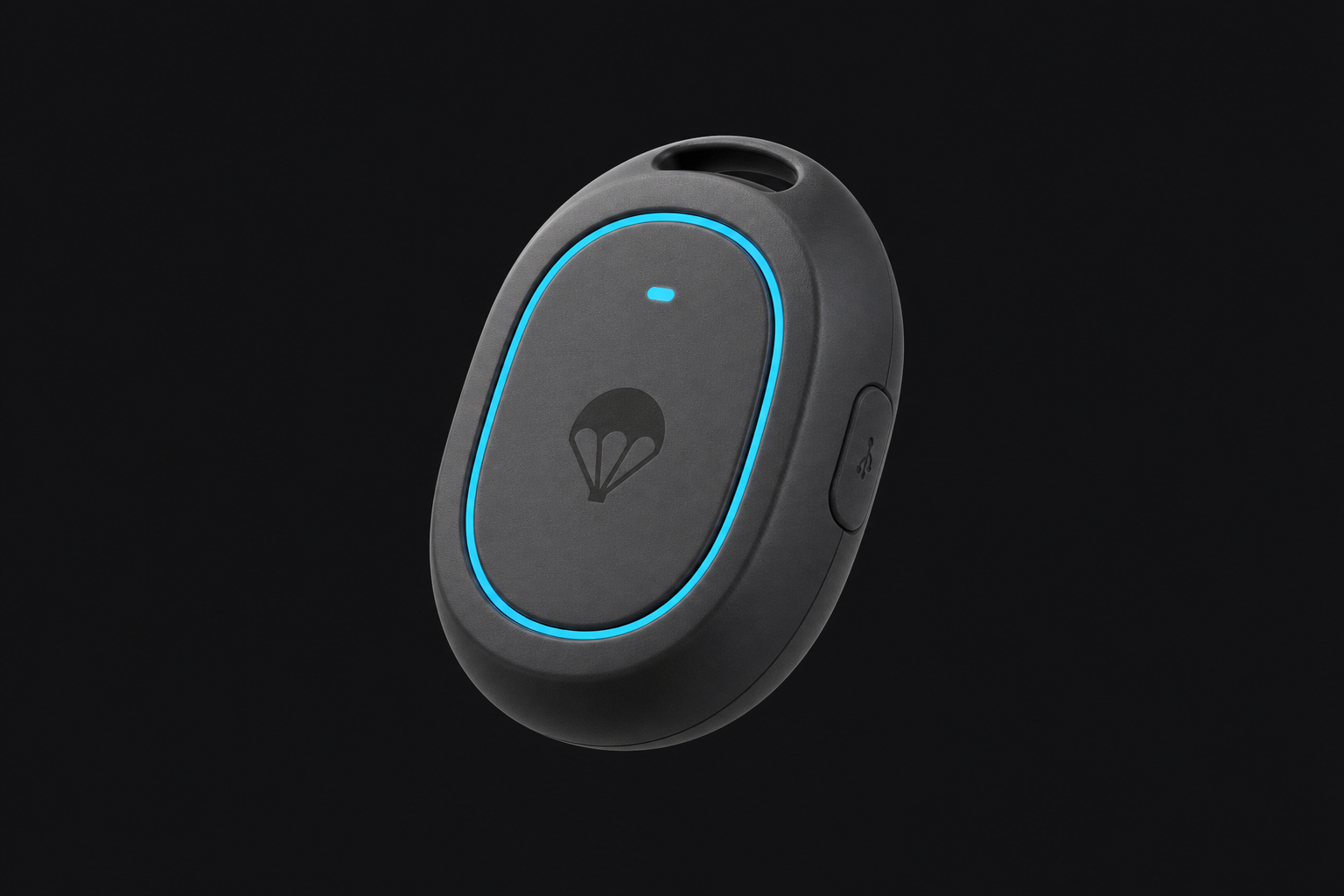
- Dimensions
- 2" × 1.125" × 0.625" (50.8 × 28.6 × 15.9 mm)
- Weight
- 100g (3.5 oz)
- Power
- 420 mAh Rechargeable Li-ion battery via USB-C
- Connectivity
- LTE-M / NB-IoT cellular & Bluetooth Low Energy 5.0
- Sensors
- GNSS (GPS/GLONASS/Galileo/BeiDou), Barometer, 3-Axis Accelerometer
- Attachment
- Mounts securely to main canopy strap
- Telemetry
- Automatic jump logging & post-jump flight review
- Alerts
- Configurable recipient notifications & trigger logic
What's inside
Airguard is built on production silicon from established semiconductor suppliers. Every part is named below.






- Bluetooth® LE 5.0
- LTE-M / NB-IoT
- Multi-GNSS
- Barometric altitude
- USB-C
 EMC and radio testing by Nemko Canada Inc. · Contains FCC ID 2ANPO00NRF9151, YCP-32WB5MMGH02 · Regulatory compliance
Trust & limitations
What Airguard supports
Recovery-oriented workflows, jump telemetry for review, and configurable alerts — within product capabilities and real-world constraints.
What it is not
Not an emergency service, rescue service, life-saving device, or guaranteed safety device. Not a guarantee of recovery, alert delivery, or monitoring.
Airguard supports recovery, telemetry, and configurable alerts. It is not an emergency service, rescue service, life-saving device, or guaranteed safety device. Transmission and alerts depend on battery level, device condition, correct configuration, cellular coverage, backend availability, and recipient availability.
Privacy practices: Privacy Policy
FAQ
Straight answers about capabilities and limits.
Join early access
Tell us how to reach you. No spam — we’ll follow up when slots open.
Prefer to explore first?